
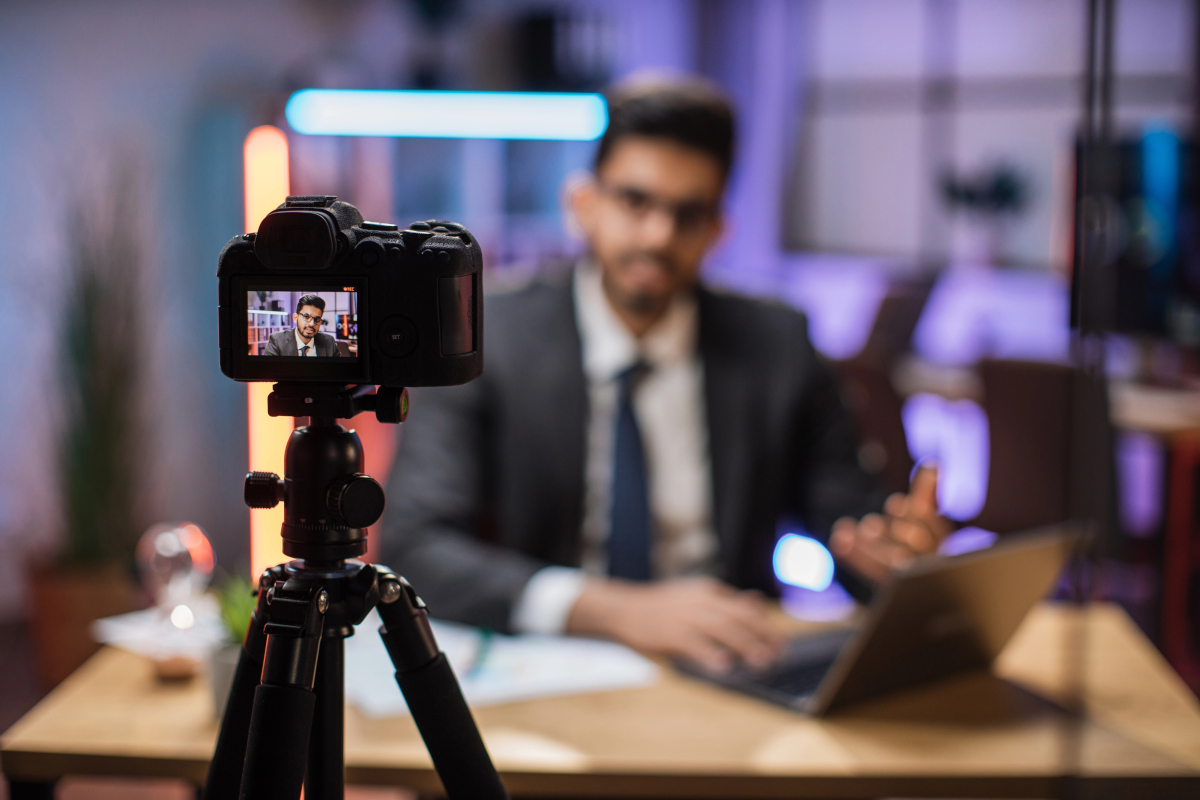
With the apps and devices available today, it’s now practical to produce high-quality audio and video training content without hiring a production team.
Creating your own content has many benefits. If you do it yourself then:
• You don’t have to pay professionals to plan, record, and produce your content.
• You have complete control over the style and direction of each piece of content.
• You retain full control of all content created for future use or to monetize later.
These benefits can help reduce training costs while giving you total freedom to tailor your content to your organization’s needs and corporate culture. However, doing it yourself will require more effort.
You will also have to compensate for the lack of a professional touch if you plan to do it with people who aren’t audio and video experts. That doesn’t mean it isn’t possible to produce quality content. The technology available today makes it even easier than ever to produce and edit videos and audio tracks.
It will require attention to detail and a willingness to learn the basics of producing this type of media.
Most learning management systems make it easy to upload and distribute video content. Check out lms.org to read LMS reviews and learn more about which platforms work best based on your business needs.
Review Your Employee Training Goals
You need direction before you begin producing video content. This should start with your training goals. Review your long and short-term goals and use them as a foundation to build your training content on.
Does your organization want to see an improvement in customer satisfaction this year? It may be time to produce courses focused on customer service or aspects of your product or service that directly impact customers.
Does your organization want to increase productivity? Then choose topics that refine processes and help employees better manage their workloads.
These can be factored into learning paths or curriculum. If you have a learning path that trains new hires for a specific job role, you can add a related video course that discusses productivity, customer service, or whatever matches your broader corporate goals.
Create an Outline for Each Course Before You Begin
Planning is your best friend when building training content. Don’t try to wing it, especially when putting in the extra effort to record audio or video.
Once you have brushed up on your training goals, it’s time to build an outline for each course. This should look at how the courses are connected through common job roles or responsibilities.
For example, a general course on workplace conduct will likely be needed by all job roles. However, a course on a very specific task that one job role does won’t be appropriate for everyone.
Creating an outline will allow you to plan for both types of content so you know what you’ll need to produce for each team, department, or group of employees.
Also, break down each course through an outline or roadmap. This narrower focus will help you write out your script or plan your scenes effectively for individual videos.
Stick to One Refined Topic and Keep It Concise
Avoid going off on tangents when producing each video. Keep it concise so the learner gets a distilled look at the topic.
Trying to throw too many topics or ideas at learners at once will reduce knowledge retention. Your learners may become overwhelmed and confused, which isn’t going to set them up for success.
Instead, refine the topic of each video. If two topics are closely related, you can mention this connection in each video or produce a third video that focuses on that connection if it is more complicated or involved than a quick mention can convey.
Having concise videos also gives you the benefit of microlearning. If you keep them short, under 10 minutes, you can easily mix and match your videos to produce a longer learning sequence that matches different goals and job roles. You can quickly build new learning paths by picking relevant topics from your video library. It is much harder to do this when using longer videos covering multiple topics.
Does your employee training program cover these essential topics? Find out if you are missing any key business subjects in your course catalog.
Write a Script for Narration and Spoken Content
Even if you plan to have a subject matter expert narrate or act in your content, you should still write a script.
A script keeps the production on task. It prevents the speaker from going off on tangents or mentioning unrelated topics that might confuse the viewer. It also gives the actor or presenter something to practice with, so they are less likely to make speaking errors when recording.
When writing a script, take a moment to read it out loud before you use it. This helps you identify any sentences or paragraphs that don’t flow naturally or don’t make sense.
Build an Equipment List Based on Your Content Needs
Now that you know what kind of content you plan to produce, you need the tools to make it happen. This is a good time to start building an equipment list.
The good news is that today, cameras and other recording devices are much better and easier to use than they once were. Even a mobile phone can sometimes record nice-looking videos.
You do not want your training content to look like it was recorded on a phone. If you plan to go this route, do at least one test run and review closely to ensure that your mobile phone is capable of recording at the level you want for your content. If not, you may need to find a proper camera to film.
Also consider if you need other equipment, like a lavalier microphone (lav mic) to capture people talking or a soft box to go over a lamp to diffuse or direct lighting.
Place the Camera on a Sturdy, Even Surface or Tripod
One of the first things people will notice about a training video is how steady the camera is being held. You don’t want viewers feeling seasick, and you don’t want your recording to look like someone’s dad was filming it like it was a casual family get-together.
You need a perspective that doesn’t shake or lean. The scene should be framed up and stay that way throughout filming.
A tripod is a great way to do this. It can be set anywhere and stands on its own. It won’t move unless someone moves it.
Alternatively, you could get away with setting the camera on any flat, sturdy surface, like a table, shelf, or even a stack of books. If doing this, make sure you verify that the field of view is lined correctly and not sitting at an angle. A subtle shift in perspective might not be that noticeable in camera until you watch the video on a bigger screen like a computer monitor or TV.
Set Up a Simple Background That Isn’t Distracting
Don’t let your background scenery get out of control. The more you have in the background, the more distracting it will be for your learners.
Keep backgrounds simple. They should be free of debris and busy patterns. The best option for training content is to use a solid-colored background in a muted tone. You want the focus to be on what is taught, not what is sitting around behind the presenter or scene.
This rule should also apply to the presenter or actor’s clothing. Avoid loud, busy patterns as well as prominent stripes or checkers. Keep things muted and simple so attention stays where it should be.
Use Good Lighting That’s Strategically Placed
Good lighting is essential for using a camera. You may need equipment to diffuse light and prevent harsh shadows.
Also consider the direction that light shines. If your light source is positioned behind the actor or presenter, it will make them look dark in silhouette. The viewer won’t be able to see facial expressions, and the video may look strange as a training presentation.
If a light source is too bright, this can wash out details or make the scene look harsh. It can also cause a reaction in learners with visual sensitivities.
Ideally, your light source should be shining from the same direction as your camera or slightly off to one side.
Getting the right positioning may take some trial and error, so plan time to experiment before recording. Also consider ambient light, like sunshine through a nearby window. This will affect how your video recording looks.
Create Interactive Moments with Adequate Pauses
Interactive training videos tend to be more effective than those without interactive elements.
Create moments in your videos that ask questions of the viewer. This should encourage reflection or engagement. Pose the question or request and then allow a brief pause. This should give the viewer a chance to think about their response or give them a moment to pause the video until they have completed the task and are ready to resume.
Don’t Rely Too Heavily on Post-Production Edits
It’s tempting to speed through recording and assume that issues can be fixed in post-production. Avoid relying too heavily on this, especially if you don’t have a video expert in-house to handle editing.
It’s best to get the video as perfect as you reasonably can during recording. This will save time later and prevent the need to re-record if an issue isn’t fixable. Paying close attention to details during production will save you headaches later.
Creating training content in-house is one way to reduce training costs. Find out how to tell if your training strategy is earning money for your business.